Unwanted toolbars, changed homepages and pop-up warnings — what they mean and how to protect yourself
If you’ve ever found a toolbar in your browser that you didn’t put there, or your homepage has quietly changed to something unfamiliar, or a pop-up has appeared warning you urgently that your computer is infected — you’re not alone. These things happen to experienced computer users. They are not a sign that you’ve done something foolish.
What you’ve probably encountered isn’t a virus in the Hollywood sense — there is no sunglasses-wearing “hacker” in a dark room trying to “access the mainframe.” It’s more likely unwanted software — programmes and add-ons that crept onto your computer without you realising, usually disguised as something else. Knowing how this happens is the first step to stopping it.
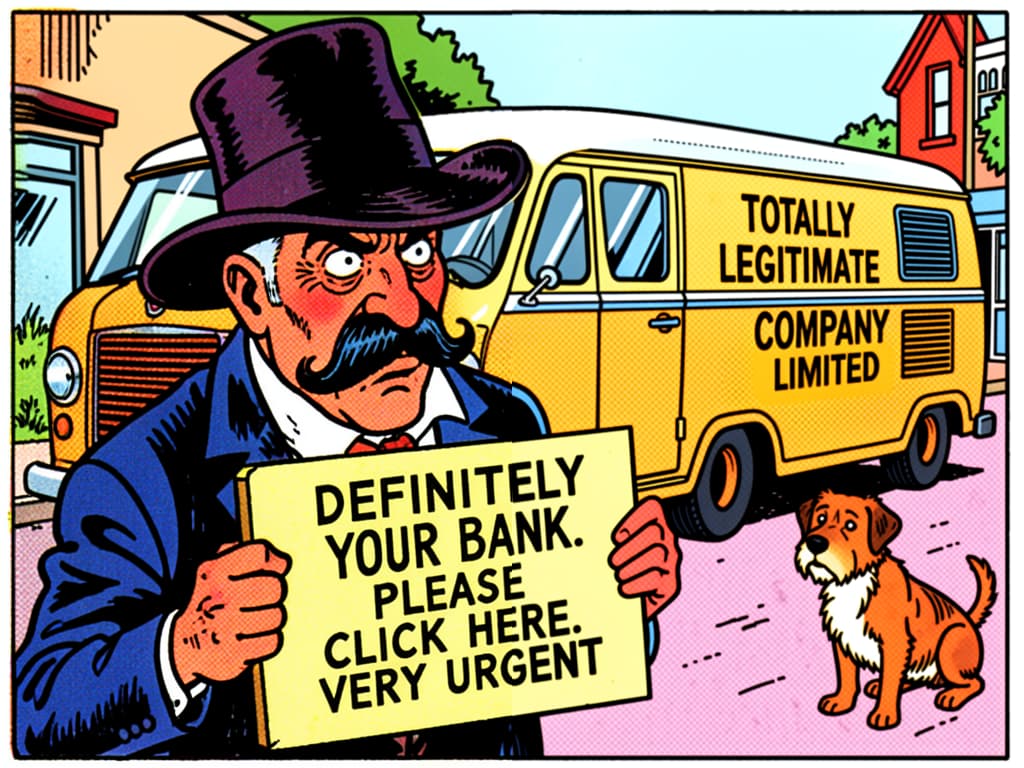
Not all threats are the same — and most aren’t catastrophic
The word “virus” tends to make people imagine their computer exploding. The reality is usually less dramatic.
Viruses and malware are genuinely harmful programmes designed to damage your system, steal your information, or lock your files and demand payment to release them (that last type is called ransomware). These are the serious ones — and the ones your security software is built to catch.
PUPs — Potentially Unwanted Programmes — are far more common. PUP is an industry term for software that isn’t technically illegal or malicious, but that you didn’t want and didn’t consciously choose to install. Toolbars appearing in your browser. Your search engine changing without you asking. Software claiming to “speed up your PC” that won’t stop pestering you to buy the full version.
PUPs usually arrive during the installation of something else. A free PDF reader. A game. A media player. Somewhere in the installation process, several tick-boxes appeared, and one was pre-ticked to say “yes, also install this.” Most people click through quickly without noticing. That’s by design — it’s a deliberate business model, not a sign you weren’t paying attention.
What you can actually do about it
None of what follows requires technical expertise. It requires a bit of caution and a couple of free tools.
Slow down when installing free software. When you install anything on a Windows computer, don’t rush through the screens. Look for an option that says “Custom” or “Advanced” installation rather than “Express” or “Recommended.” The recommended option often includes the extras. Custom lets you untick them. If you see tick-boxes for software you don’t recognise, leave them unticked.
💡 Tip
If you didn’t go looking for a piece of software, be cautious about installing it. Legitimate programmes don’t usually pop up and insist you install them immediately.
Only download software from official sources. Go directly to the company’s own website. Avoid third-party download sites — these host copies of popular free software but wrap them in their own installers, usually stuffed with extras you didn’t ask for. For Windows, the Microsoft Store is safe. For Apple computers, the App Store. For phones and tablets, stick to the Google Play Store (Android) or the Apple App Store (iPhone/iPad).
⚠️ Warning
If a website tells you that you need to download a special “downloader” or “installer helper” to get the file you want — close that page. That is almost always how PUPs arrive.
Use an ad blocker. An ad blocker is a free add-on — a small piece of software that sits inside your web browser (the programme you use to visit websites) — that blocks adverts from loading. I recommend uBlock Origin. It’s free, its code is publicly visible and inspectable by anyone, and the developer has no financial incentive to collect your data. It’s what I use myself.
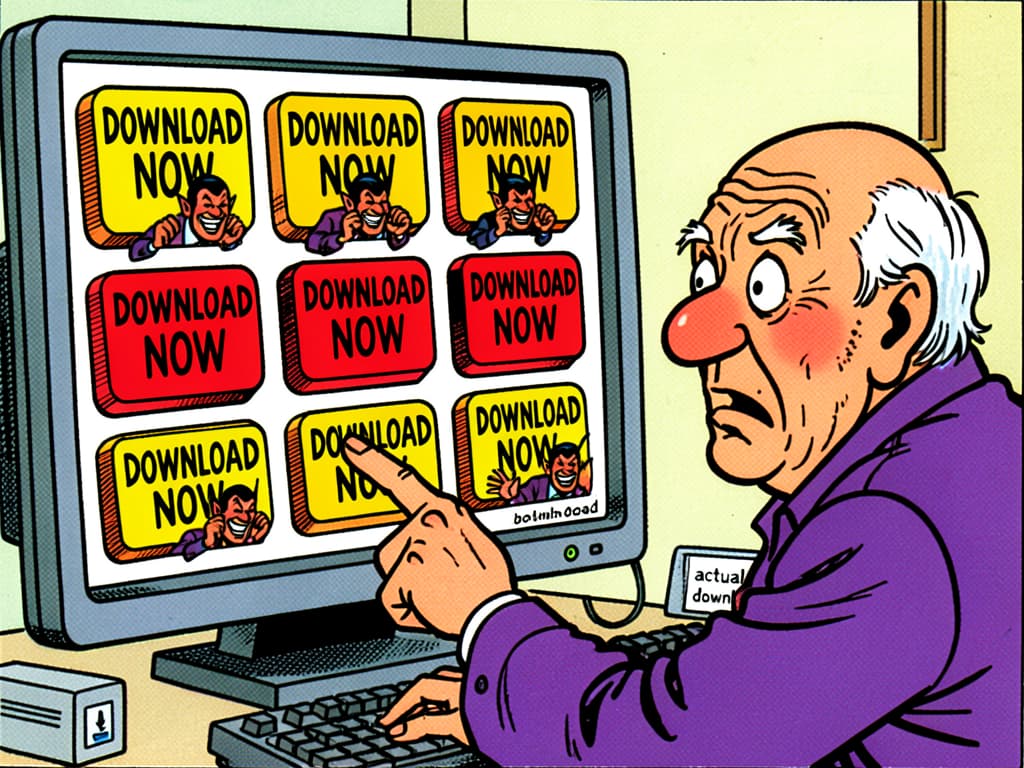
Why does blocking adverts help with security? Some adverts — particularly on less reputable websites — link to unwanted software, or mimic buttons to trick you into clicking them. Removing those adverts removes that risk. As a side effect, most websites become noticeably faster and far less cluttered.
💡 Tip
To install uBlock Origin, open your browser (Chrome, Firefox, Edge, or Safari), search for “uBlock Origin” and the name of your browser, and follow the instructions. Two minutes, costs nothing.
Let updates run. When security researchers find a weakness in Windows or your browser, an update is how it gets fixed. Delaying means leaving a known door open. You don’t need to understand what each update contains — just let them run. If you’re unsure whether your computer is updating automatically, that’s something I can check.
Trust what’s already there. Windows 10 and 11 both come with Windows Security (also called Windows Defender) built in. For most home users, that’s enough. You do not need to pay for additional antivirus software — and many of the paid options you’ll see advertised are themselves borderline PUPs, using scare tactics to convince you they’re essential. If Windows Security is switched on and kept updated, it’s doing its job. If you’re currently paying for Norton or McAfee, have a read of this article — you may be able to save yourself the annual subscription and stay just as secure.
⚠️ Warning
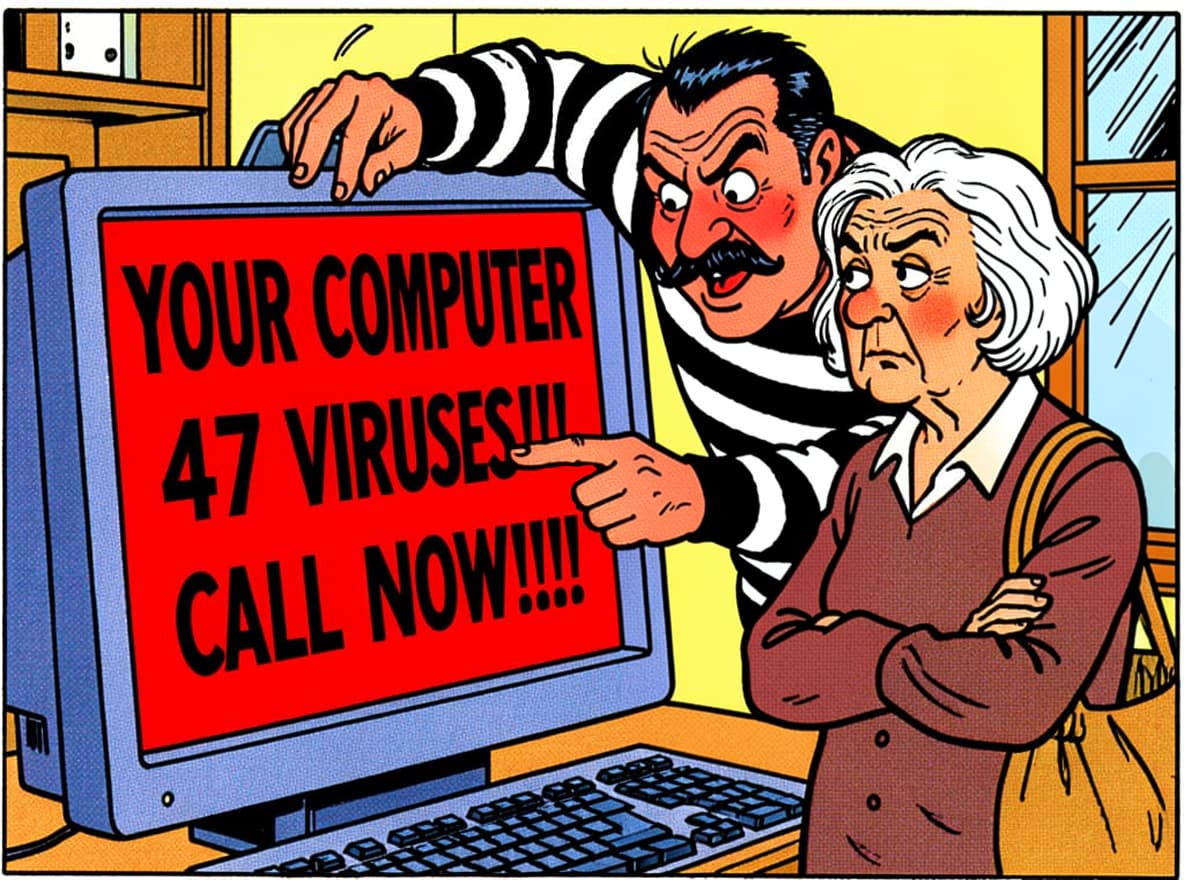
Be very suspicious of any pop-up — on a website, in an email, or on your screen — that tells you your computer is infected and urges you to call a number or download something immediately. That is almost always a scam. A real security warning comes from your own software, not from a website.
Questions I get asked about this
My homepage has changed and I don’t know how to get it back. Does this mean I’m infected?
Not infected in the serious sense, but something has installed itself without your full knowledge. Worth getting checked and cleared. Usually fixable without much drama.
I’ve used computers for years without problems. Why is this happening now?
The methods used to sneak unwanted software onto computers have improved considerably. It’s not that you’ve become less careful — the people behind it have got better at hiding what they’re doing.
Is a free ad blocker actually safe to use? What’s the catch?
Reasonable question — with most free things, it’s worth asking. uBlock Origin is different because its code is publicly visible. Anyone can inspect it. There’s no hidden business model to worry about.
Do I need to pay for antivirus software?
For most home users with a modern Windows or Apple computer: no. The built-in security is good. Paid software occasionally adds value for things like parental controls, but you should never feel pressured into buying anything by a threatening pop-up. That pressure is usually the warning sign it’s a scam.
✓ Important
If you’re ever unsure whether a warning or message is genuine, don’t act on it immediately. Close the window, step away, and get a second opinion before clicking anything or calling any number it displays.
The people who design unwanted software are counting on speed and confusion — on you clicking through quickly, or panicking when something alarming appears. The best protection isn’t a product. It’s a moment’s pause.
Slow down during installations. Be suspicious of urgency. And if something has appeared on your computer that shouldn’t be there, don’t try to fix it under pressure — get it looked at calmly. In one visit to your home, I can clean up these problems and set your phones, tablets, or computers up so most of this junk cannot get through in the first place — without changing how your device works. You’ll get a safer, cleaner internet experience, fewer ads, fewer scams.
Ready to throw your phone out the window?
Ask Mathew
I help people across Elmswell, Stowmarket, Bury St Edmunds and surrounding villages get to grips with computers, phones, tablets, and the rest of it. Patient, friendly, no jargon.
Get in TouchOr call 07411 218222